Connecting ChatGPT with openwork takes four clicks.
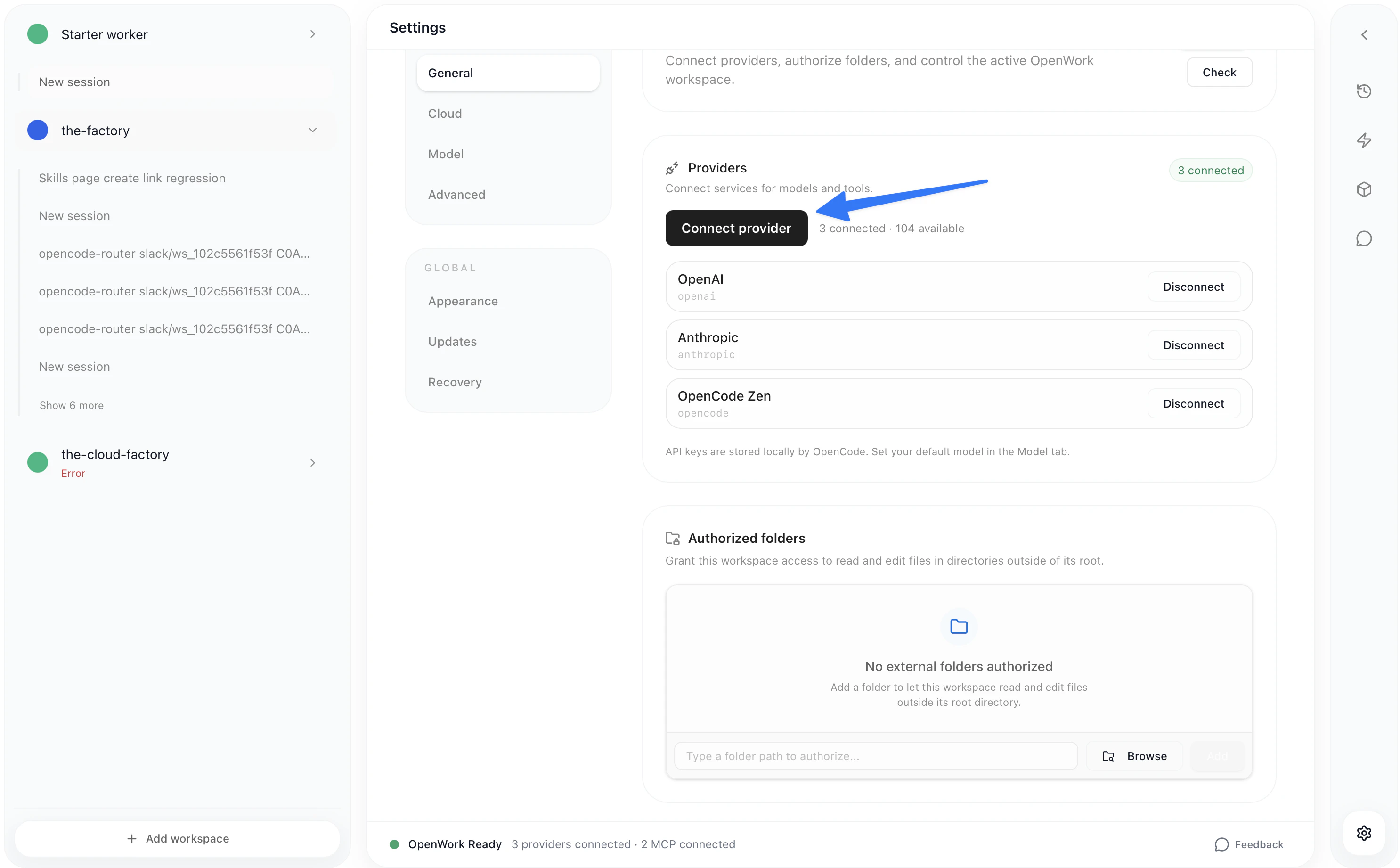
  • Go to Settings > Connect Provider > OpenAI > ChatGPT Pro/Plus
Settings page showing Connect Provider button
Then, login into openai Auth with a valid subscription email
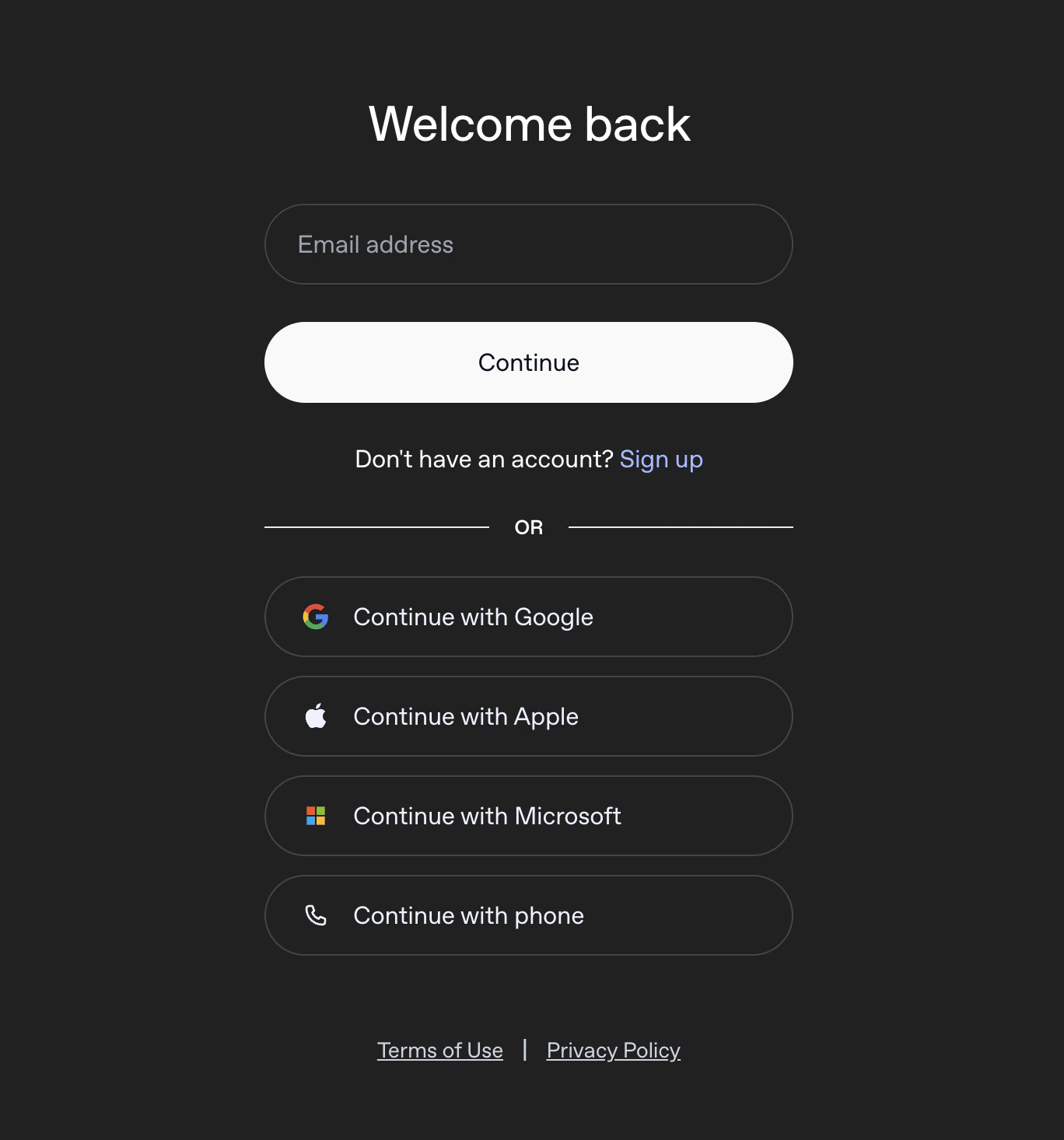
OpenAI authentication login page
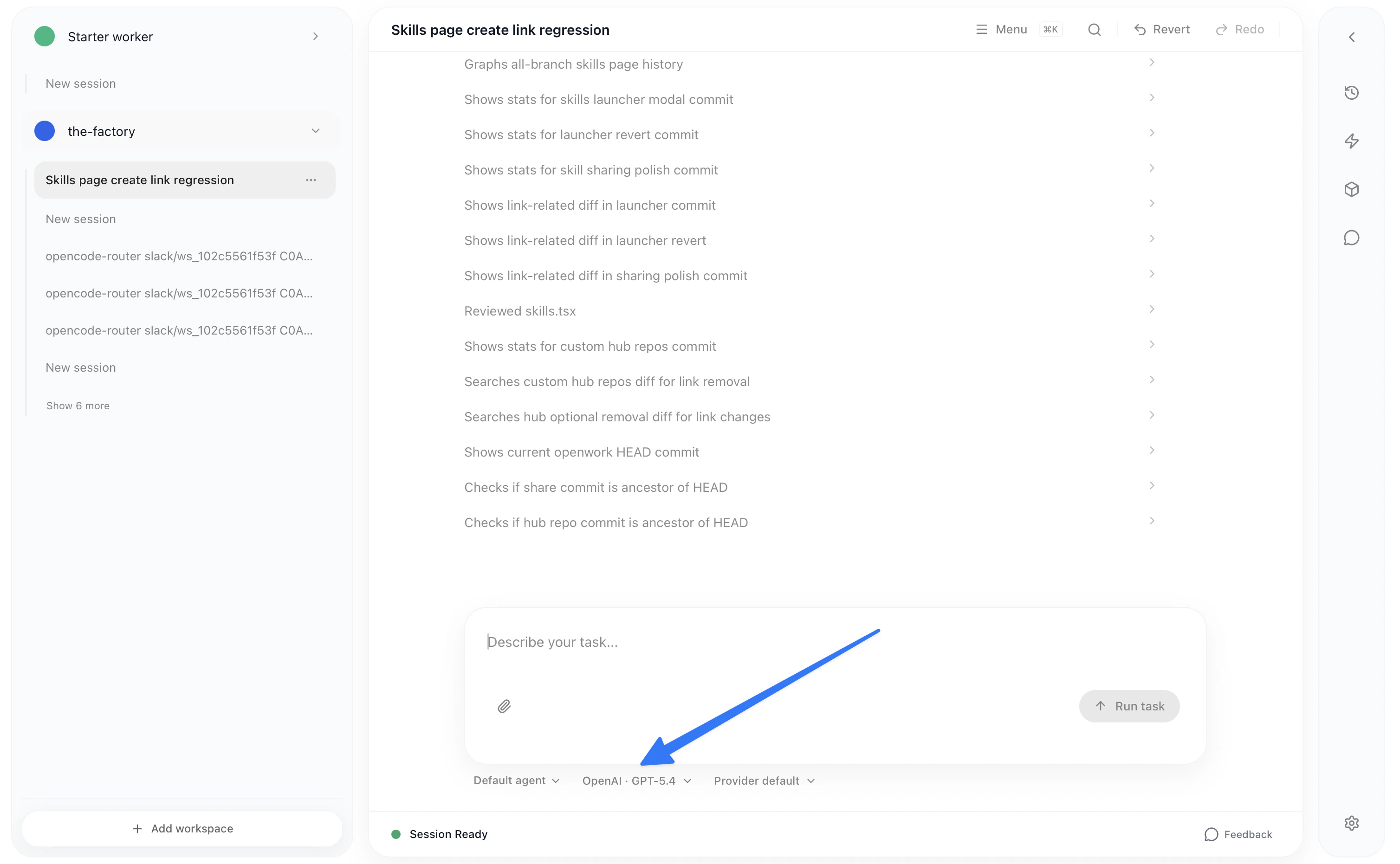
Once you have finished the auth, you can change the model below in the chat.
Model selector dropdown in chat
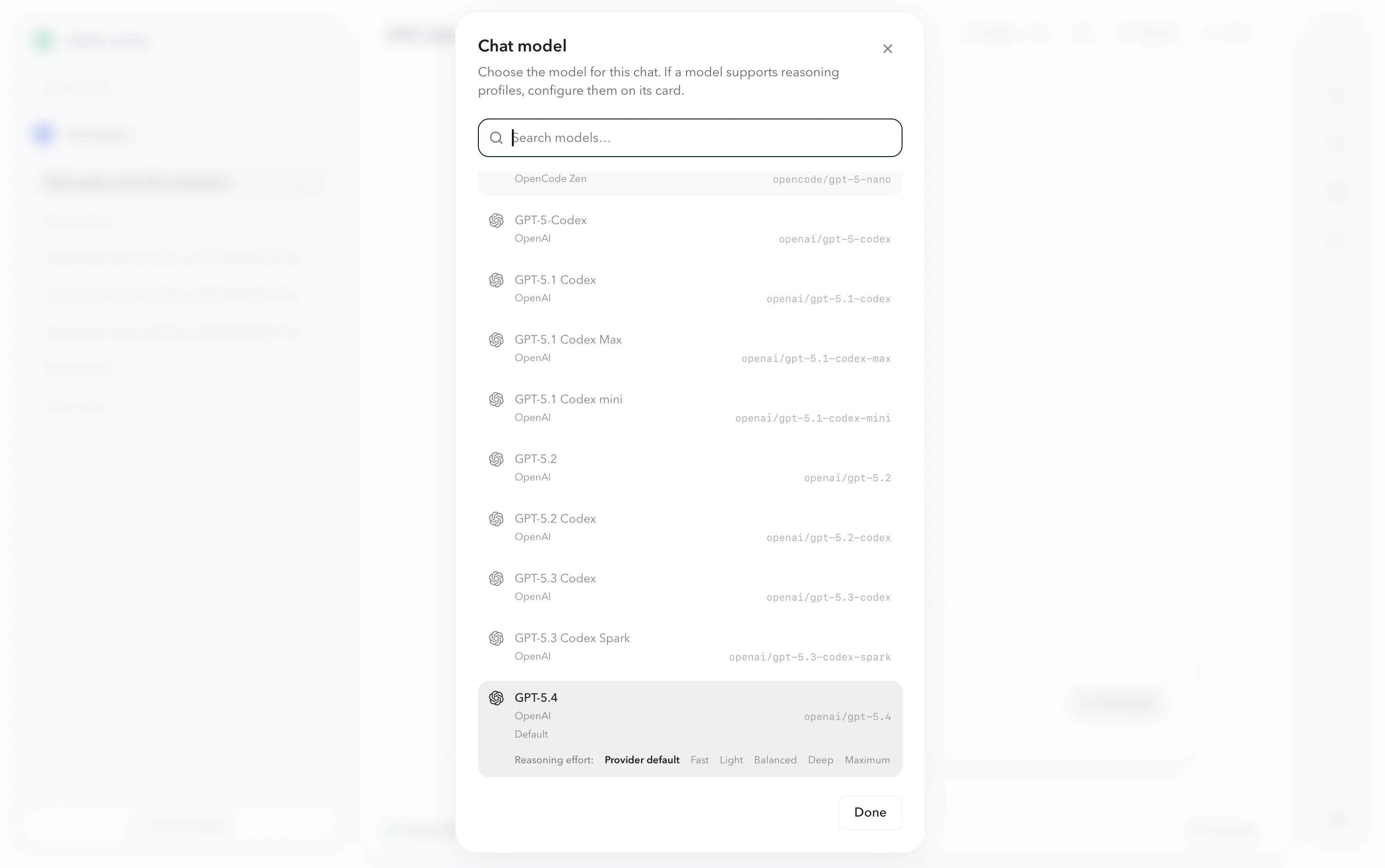
You will be able to choose among any model offered by all the providers you’re connected to:
Model list showing available models from all providers