

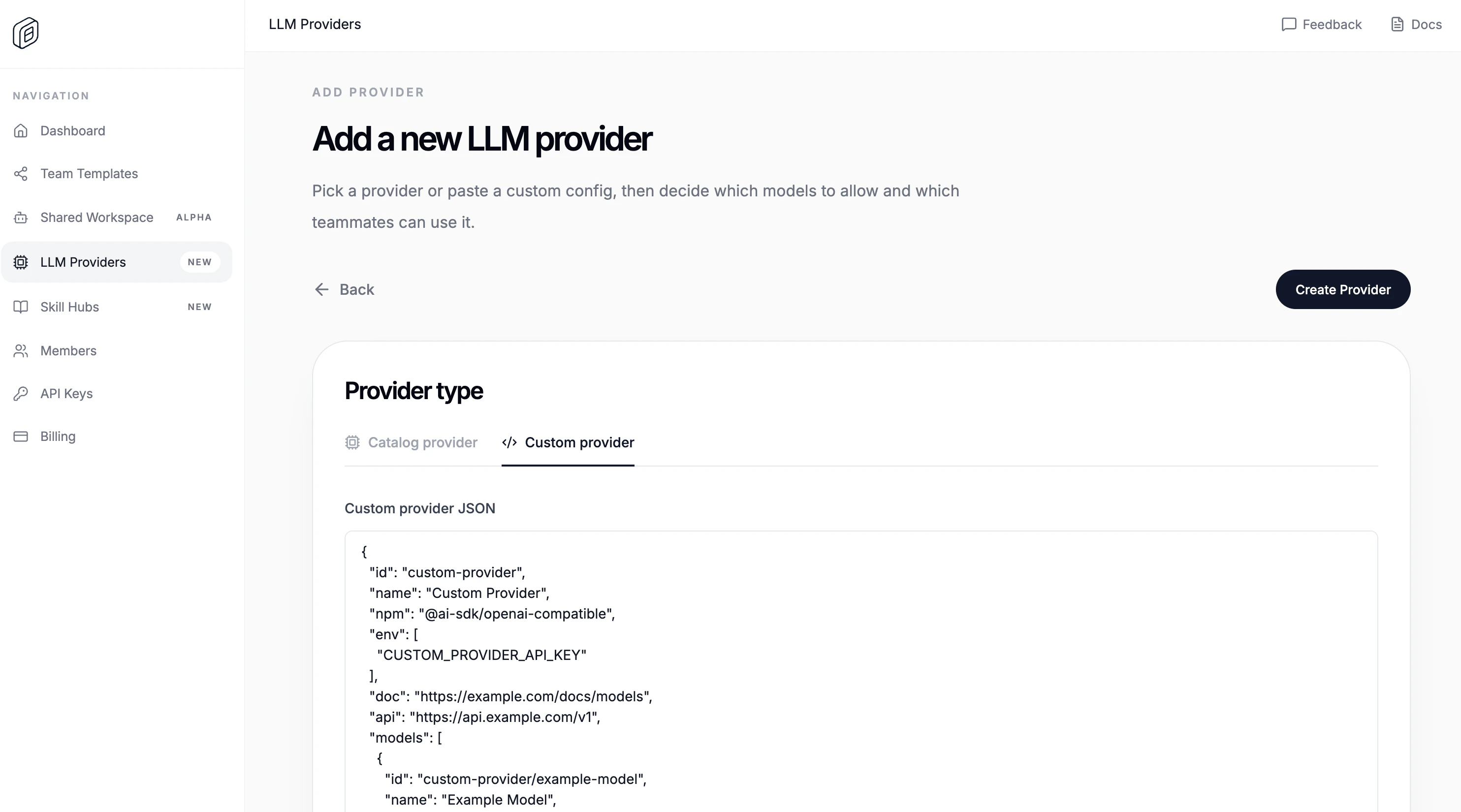
Create the custom provider
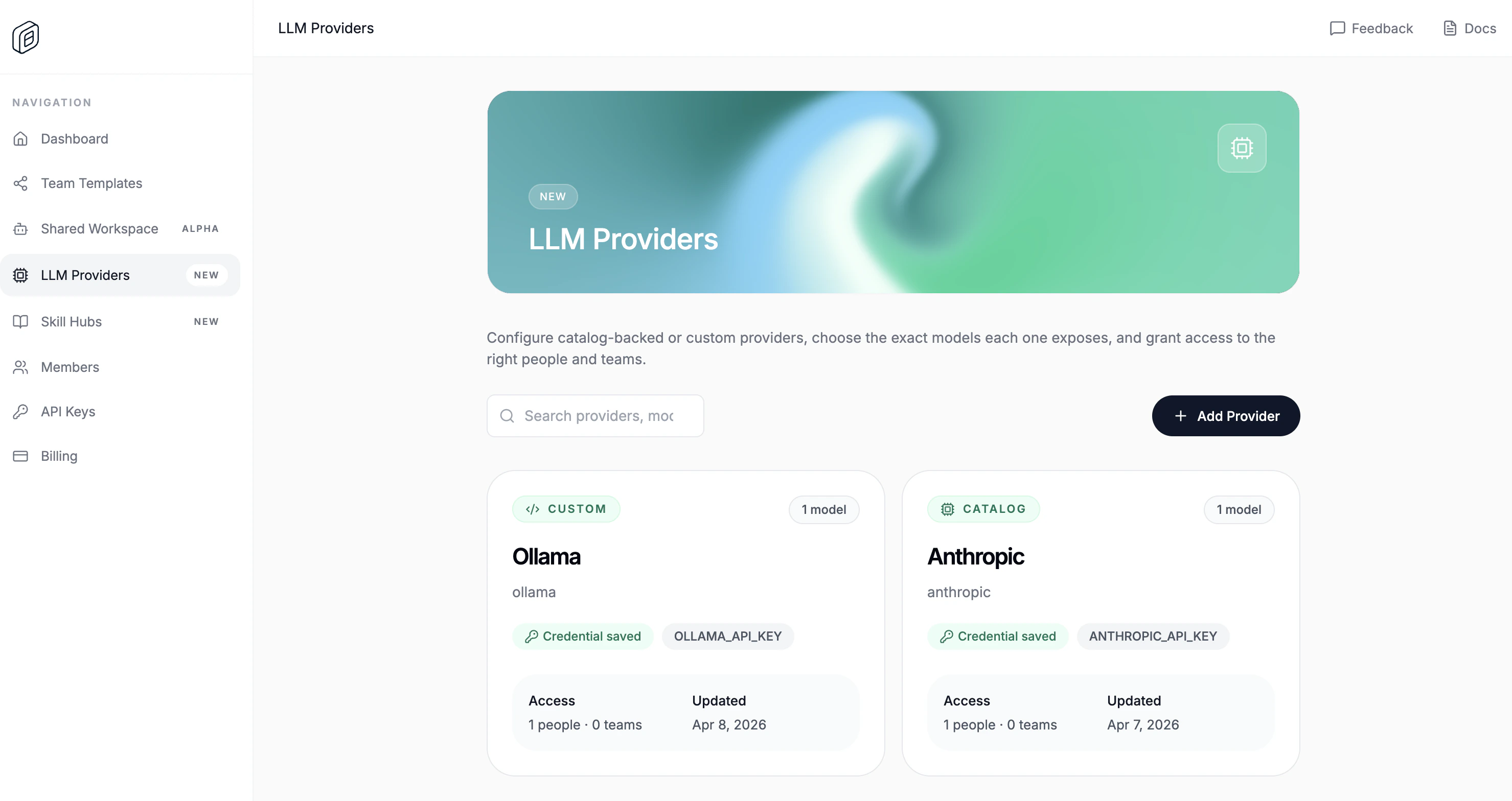
- Open
LLM Providers. - Click
Add Provider. - Switch to
Custom provider. - Paste the
Custom provider JSON. - Paste the shared
API key / credential. - Choose
People accessand/orTeam access. - Click
Create Provider.
id, name, npm, env, doc, and models. api is optional, but most OpenAI-compatible providers use it. The editor also requires valid JSON, at least one environment variable, and at least one model.
Import it into the desktop app
- Open
Settings -> Cloud. - Choose the correct
Active org. - Under
Cloud providers, clickImport. - Reload the workspace when OpenWork asks.
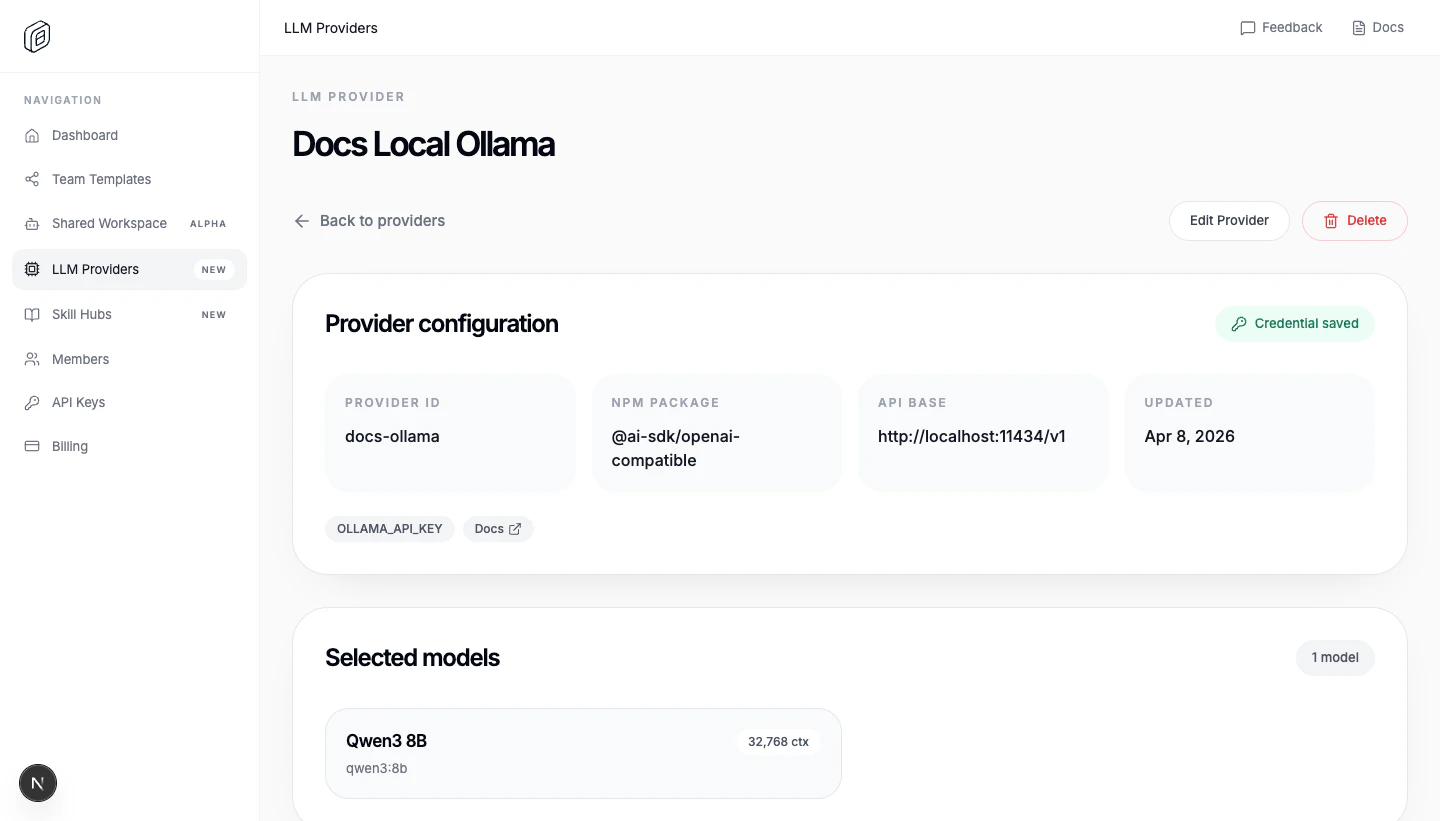
Functional example: Ollama (Qwen3 8B)
This setup a local Ollama instance runningqwen3:8b.
Ollama’s OpenAI-compatible endpoint requires an API key but ignores the value, so paste anything (for example ollama) into the API key / credential field when creating the provider.
ollama pull qwen3:8b, then make sure the Ollama server is reachable at http://localhost:11434 with ollama serve
Import it in your desktop, change the provider name and voila! You have an fully local LLM running in your machine.