

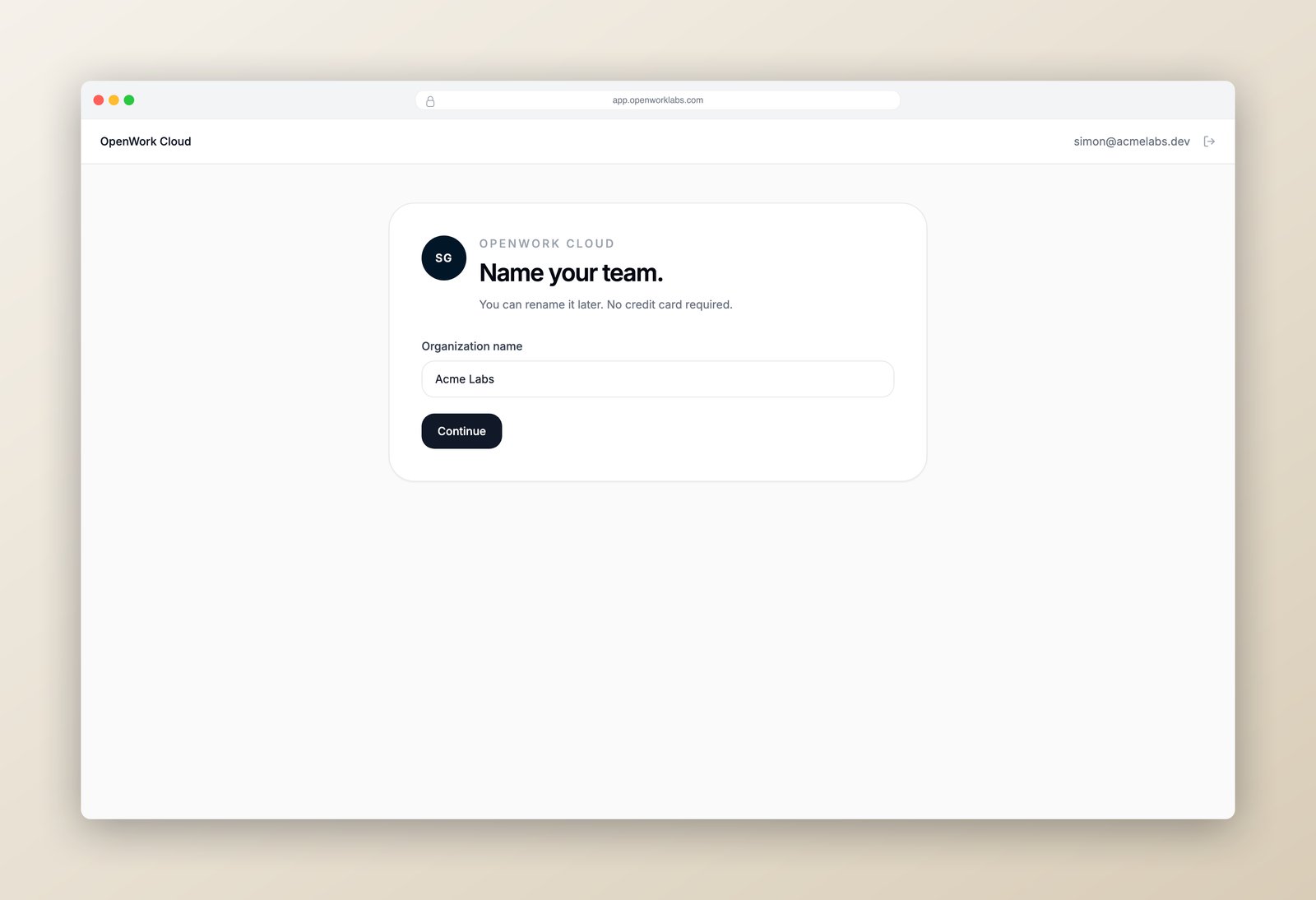
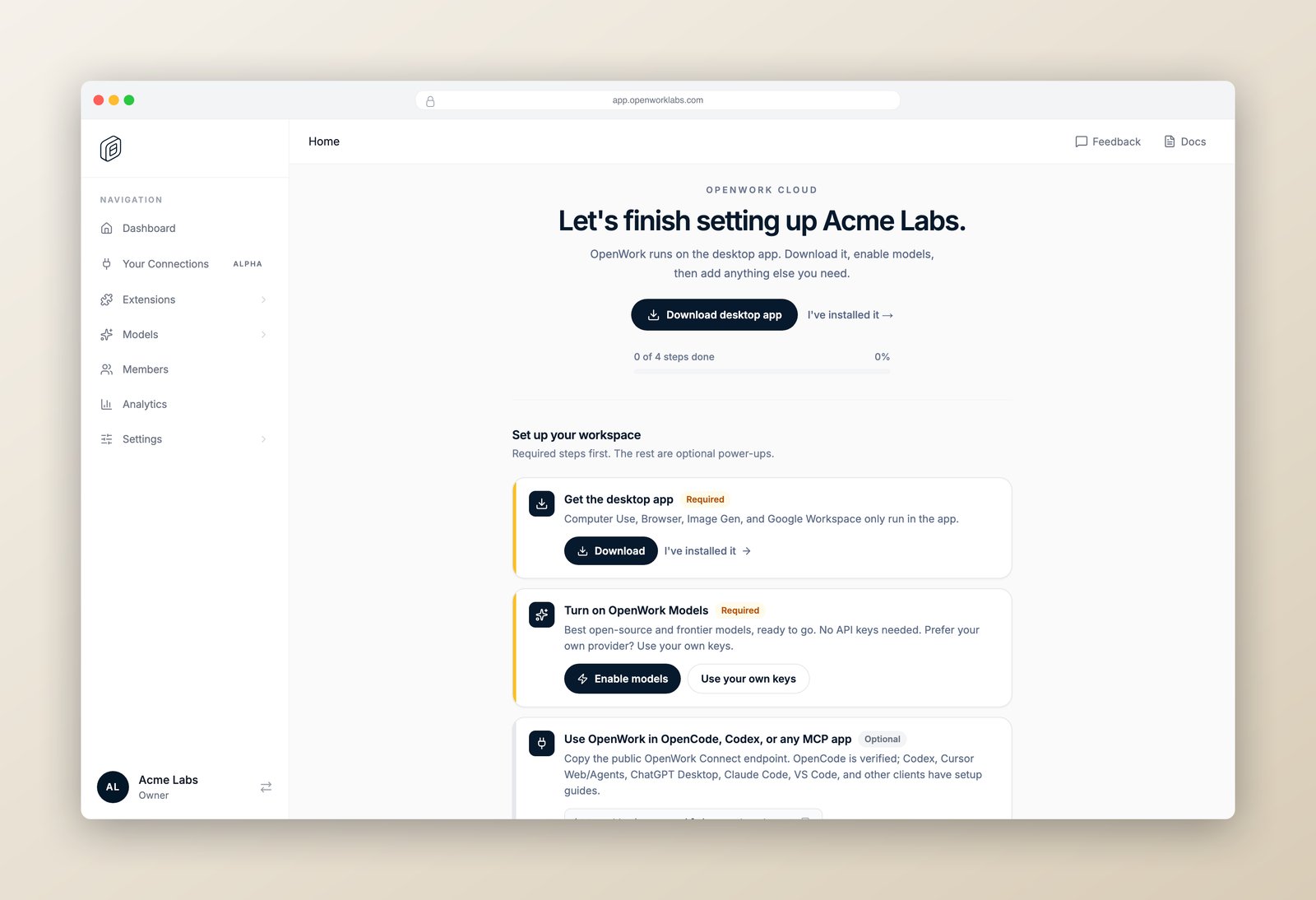
- Created an organization on OpenWork Cloud.
- Invited a few teammates and organized them into teams.
- Created a Collection and added a plugin with a simple test skill to it.
- Granted the Collection to the relevant team.
- Signed in to the org from the OpenWork desktop app and triggered the skill with a plain-language prompt.
Seats: every workspace includes 5 free seats. Team adds unlimited seats and SSO. For early access to analytics, reach out.
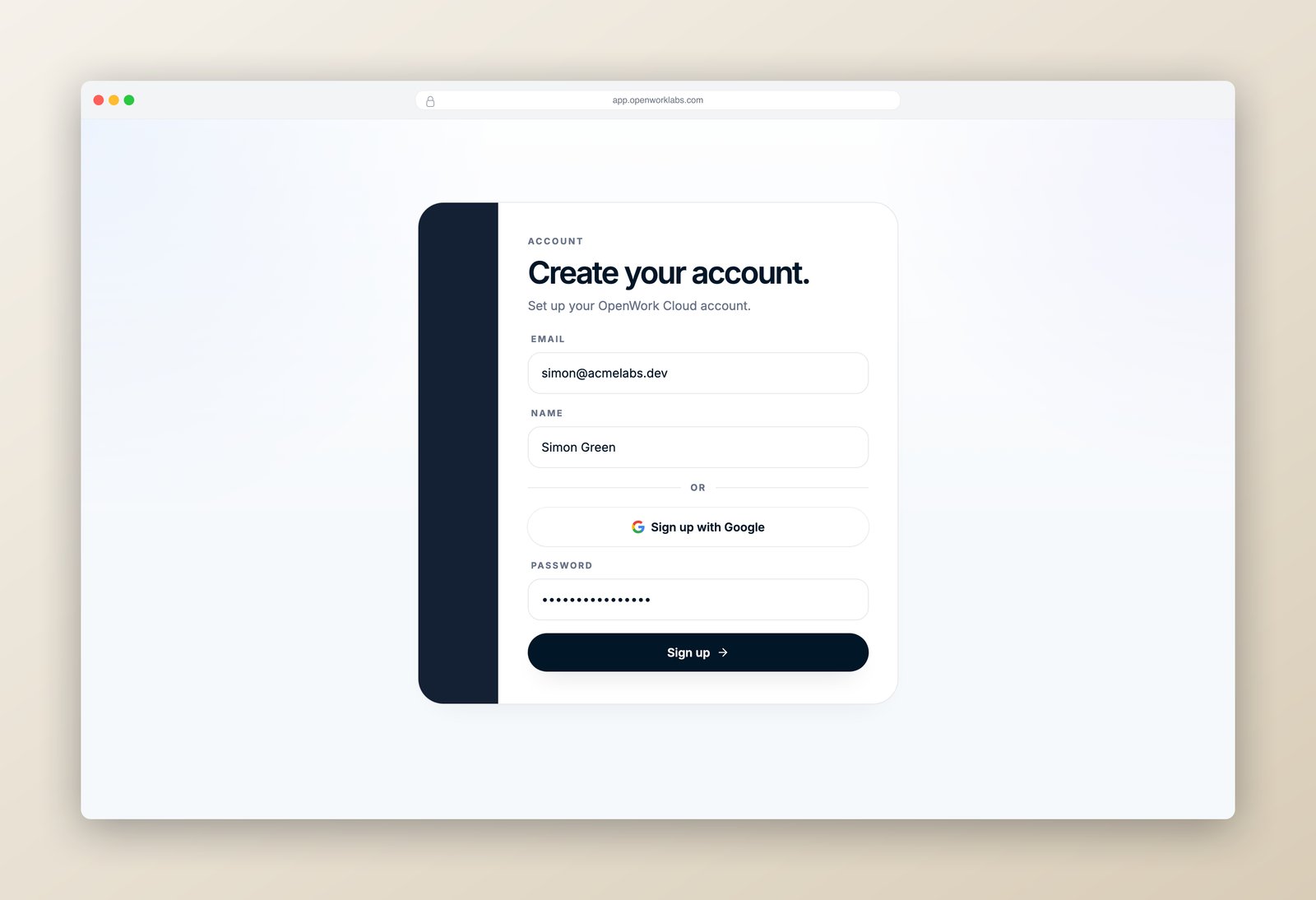
1. Create your organization
Head to app.openworklabs.com. Enter your work email and press Next — OpenWork routes you to the right sign-in step automatically.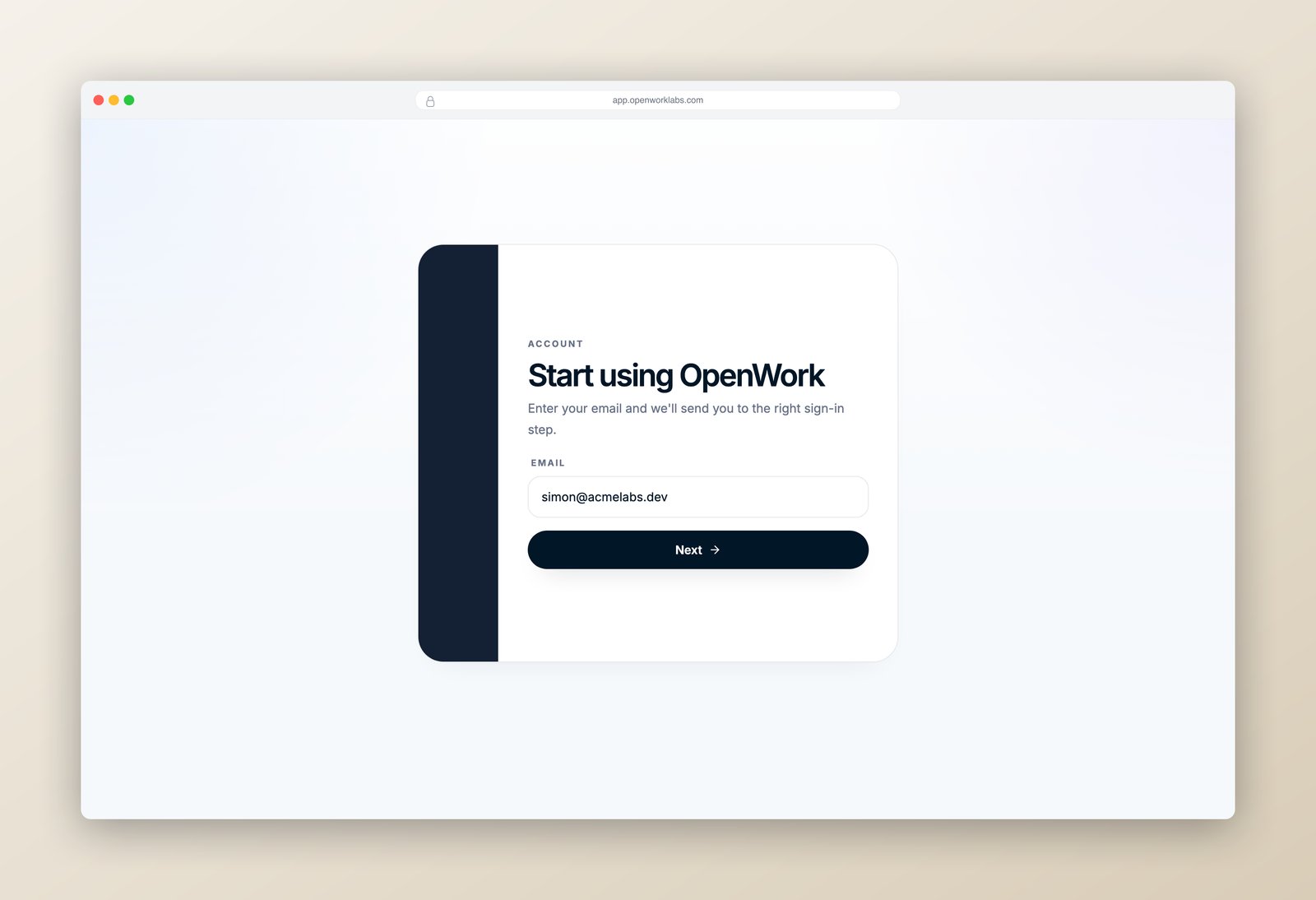
2. Invite teammates and create teams
Open Members in the sidebar. Click Add member, enter your teammate’s email, pick a role (usually Member), and hit Send invite. The owner can choose elevated roles; admins can invite only members.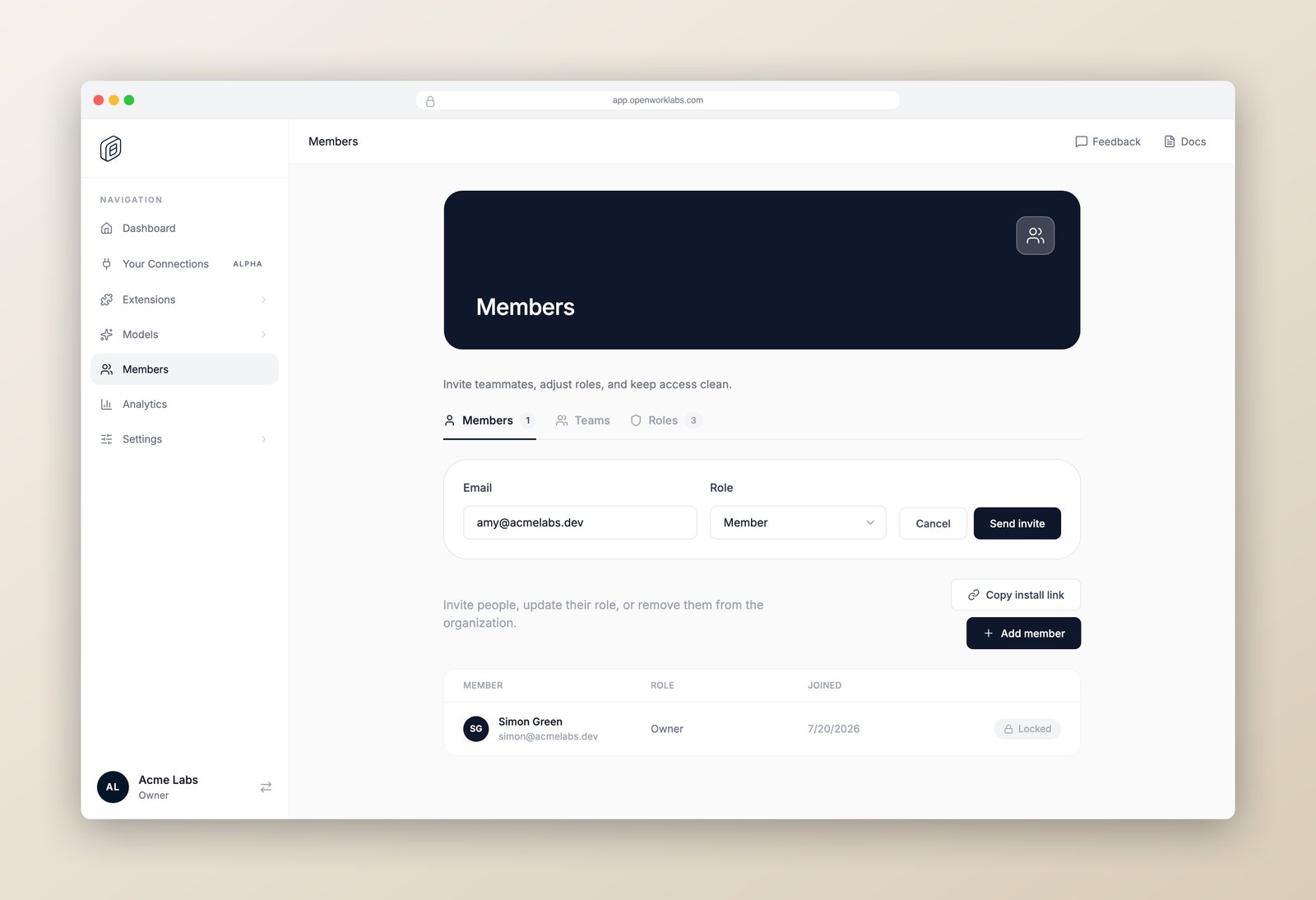
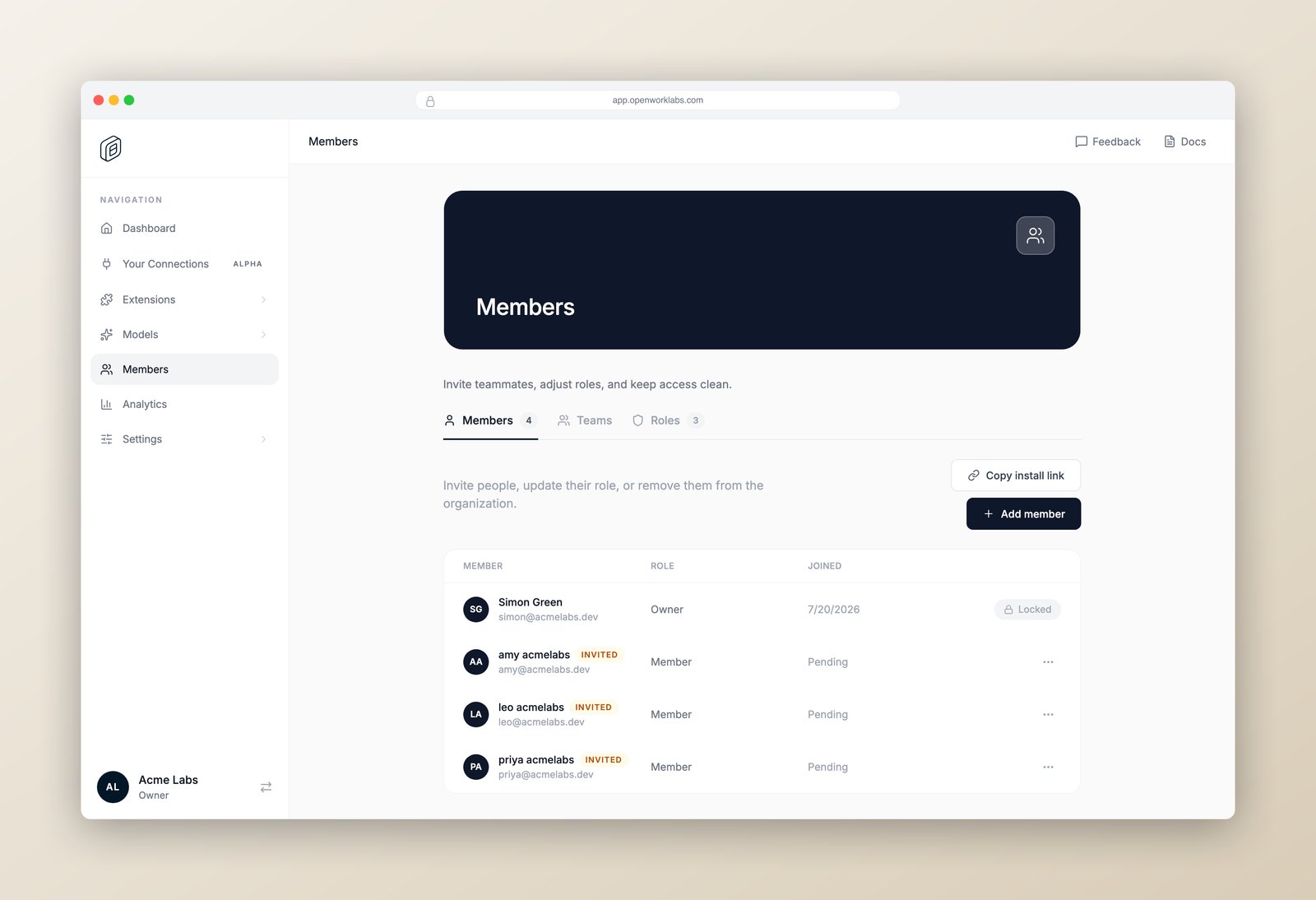
Sales), and tap the members who belong in it.
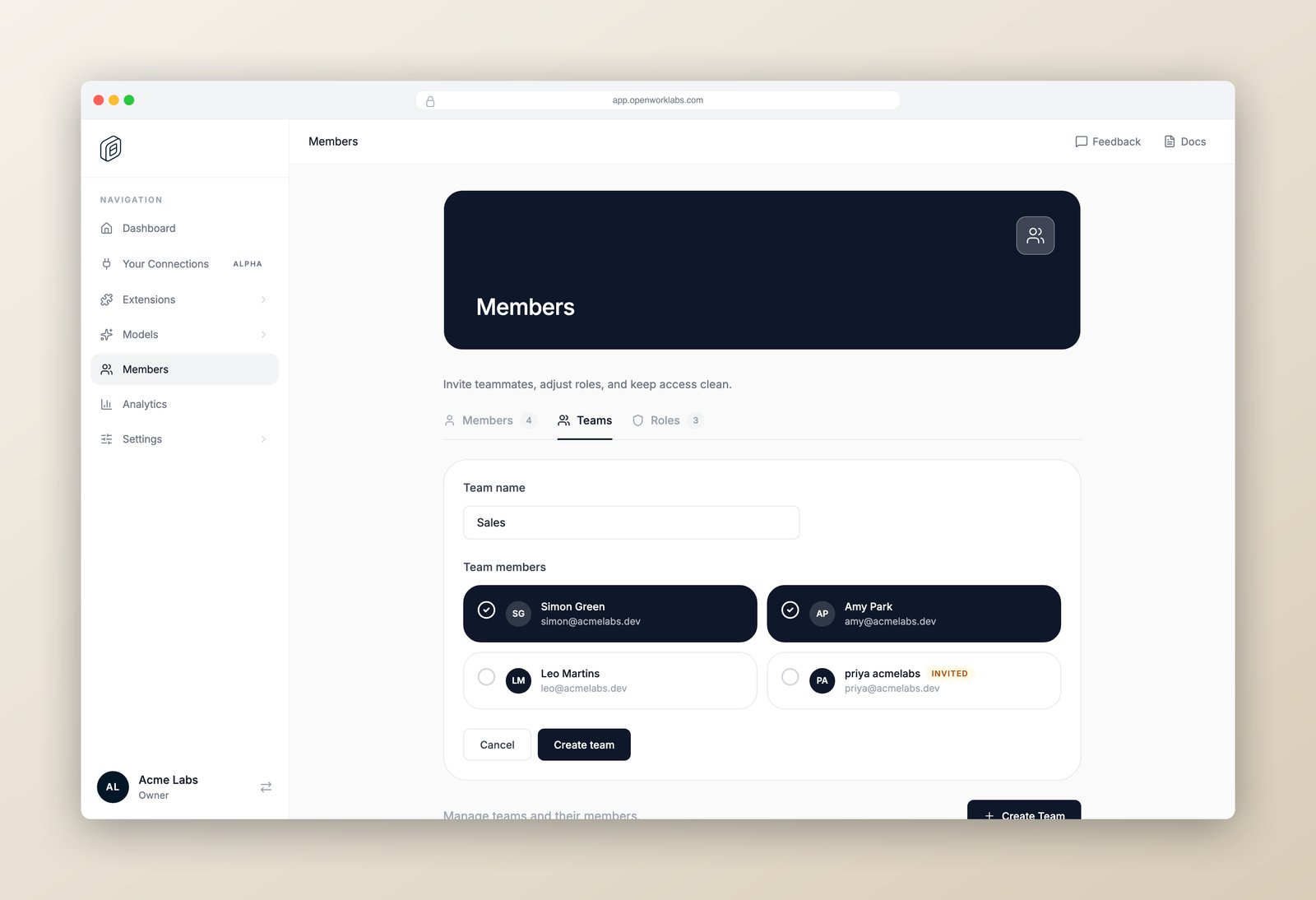
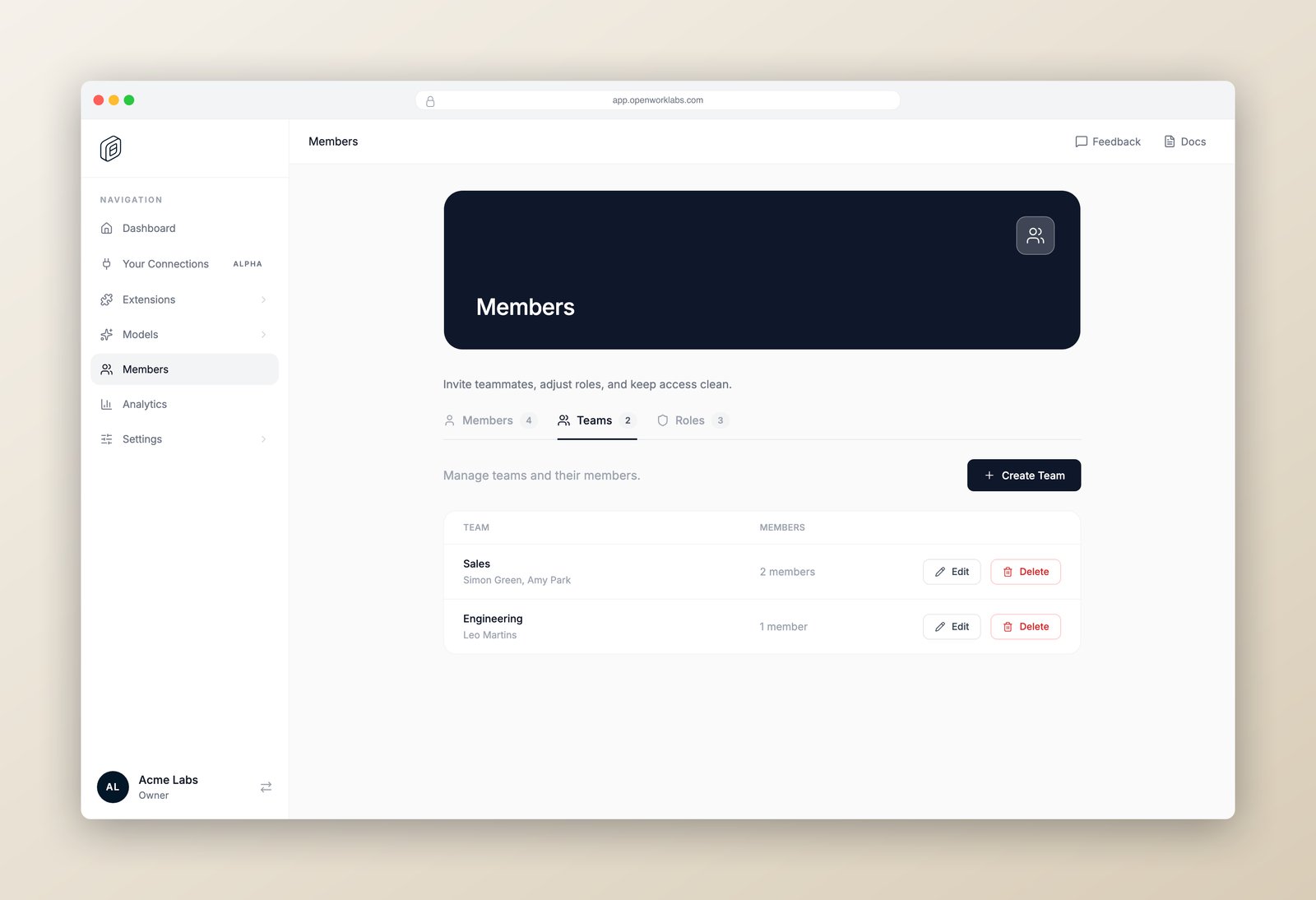
Sales. If a team should grant organization-wide administration, the
owner must explicitly approve it. See
Team Admin access.
3. Create a plugin with a test skill
Skills are step-by-step instructions the agent loads when a task matches — think of them as runbooks your whole team can share. A skill lives inside a plugin, and a Collection groups one or more plugins for assignment. First open Settings › Advanced › Collections, click New collection, and create one for your team — for exampleSales Enablement.
The new Collection opens. On its Plugins tab, click Add a plugin. Fill in the Plugin name and Description, then click Skill under What’s inside.
Write the skill like a great runbook:
- Name — e.g.
Prep a sales call - Description — when should the agent use this? e.g. “Use when someone asks to prepare for a sales call or customer meeting.”
- Instructions — plain markdown with the steps you want the agent to follow.
4. Give teams access to the Collection
Open Settings › Advanced › Collections › Sales Enablement and select the Members tab. Under Who can access this, click Add team and pickSales. You can instead turn on access for everyone in the organization or click Add people.
That’s the whole admin loop: skill inside a plugin → Collection → team or member. Anyone added to the team later inherits access to the Collection.
5. Trigger the skill from the desktop app
Now switch to the OpenWork desktop app. On the welcome screen, click Joining a team? Sign in and sign in with the same account.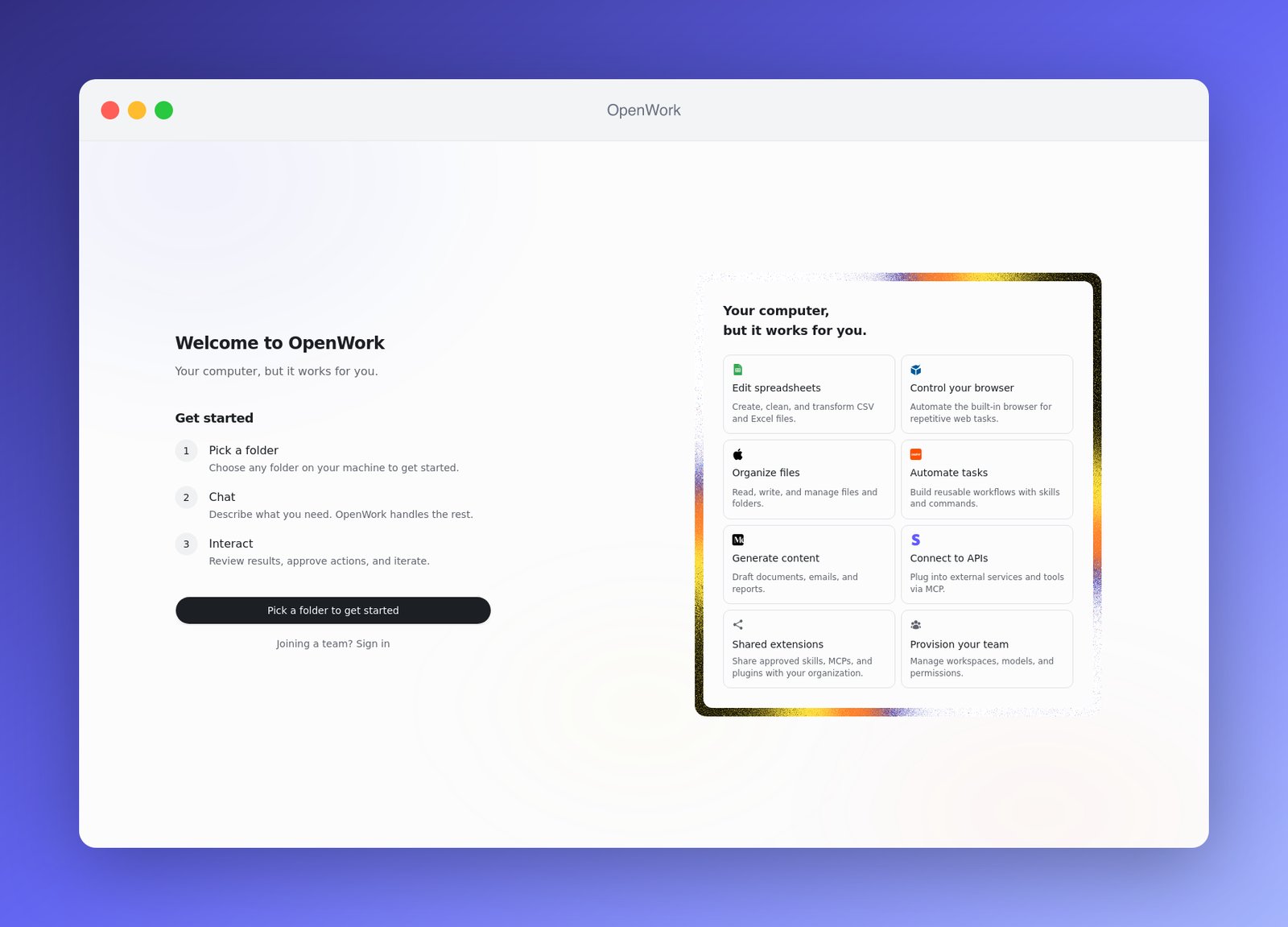
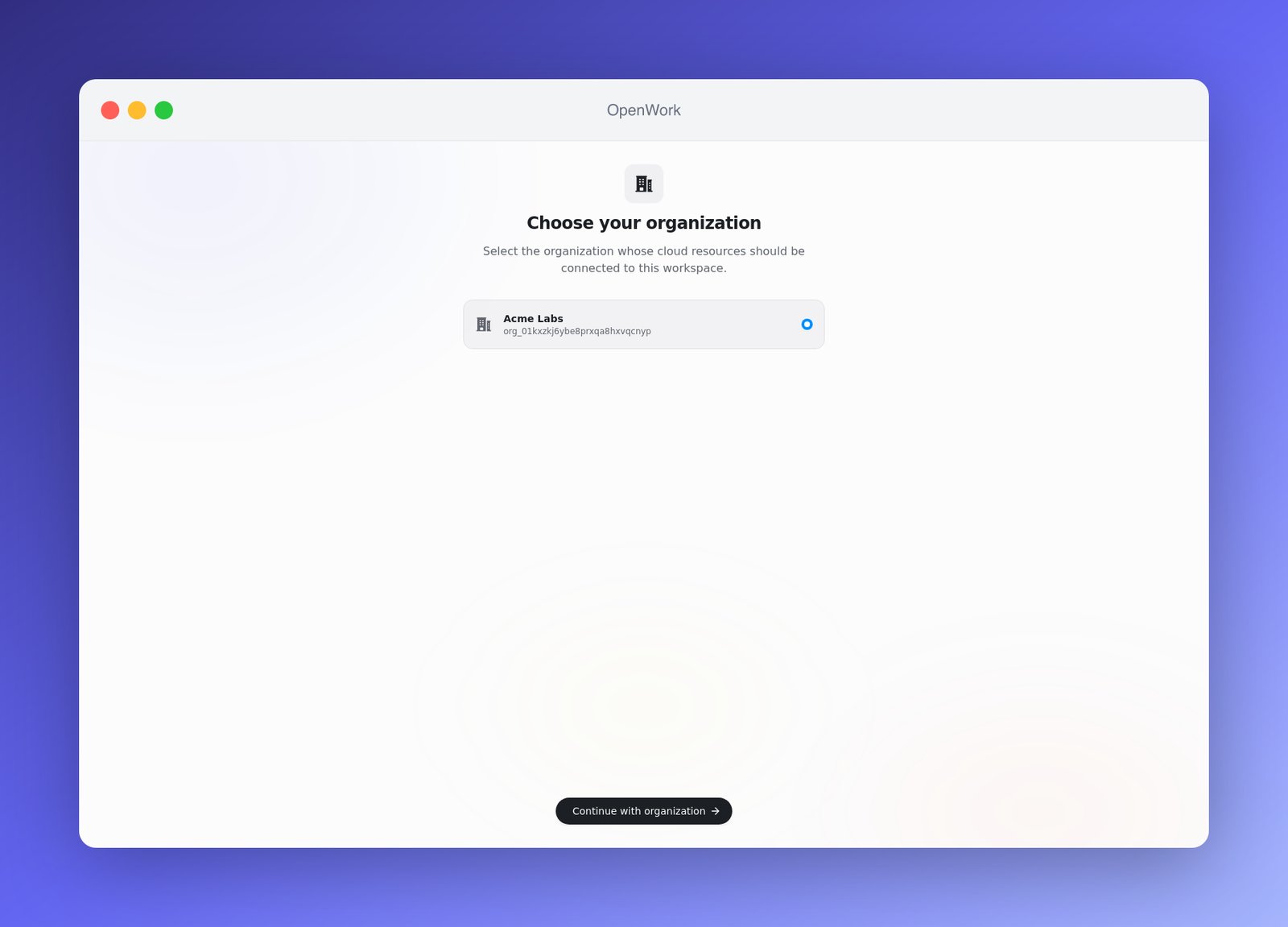
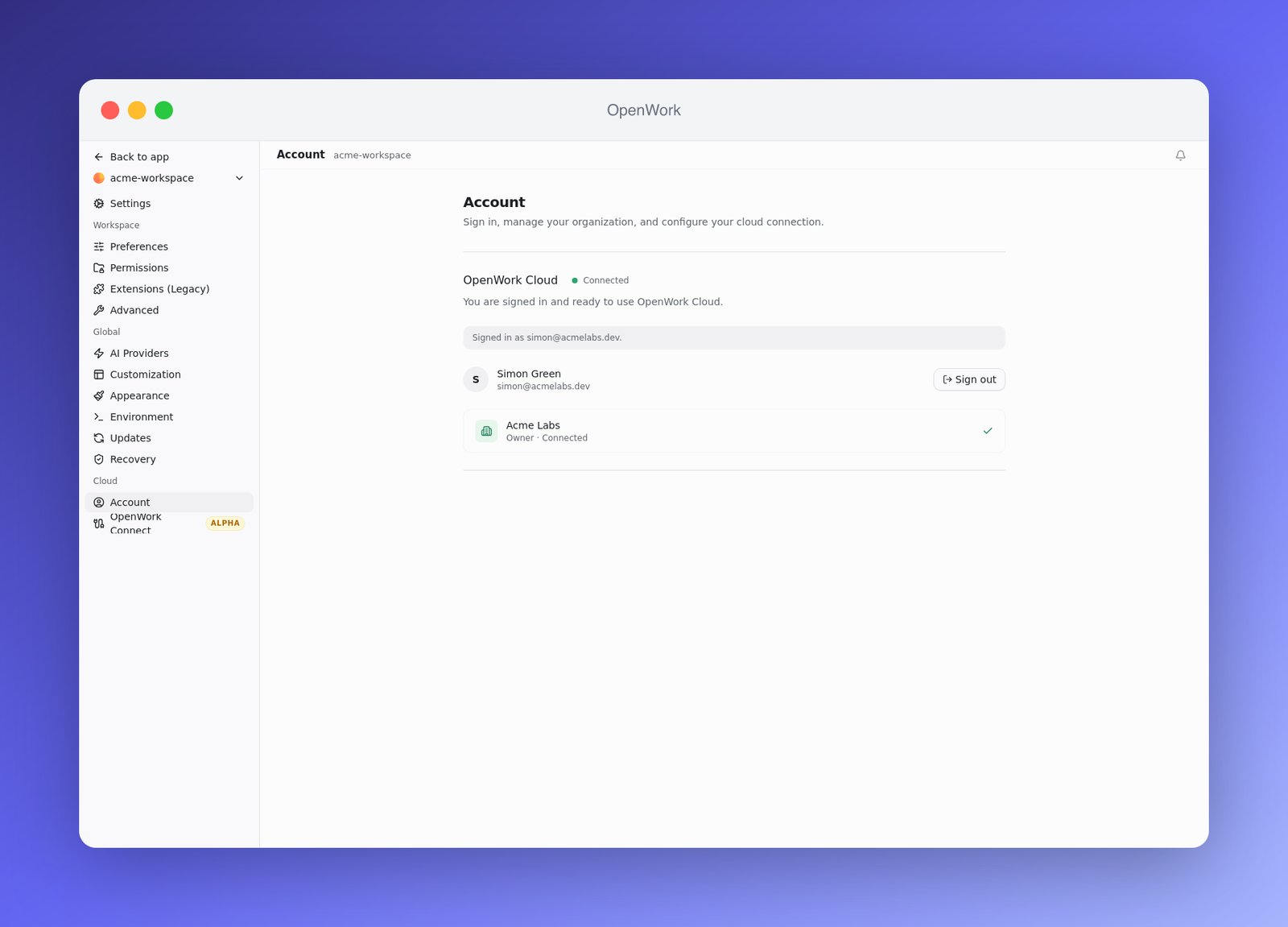
Sales Enablement appears there automatically; click the refresh button (tooltip Refresh) if the admin changed access moments ago.
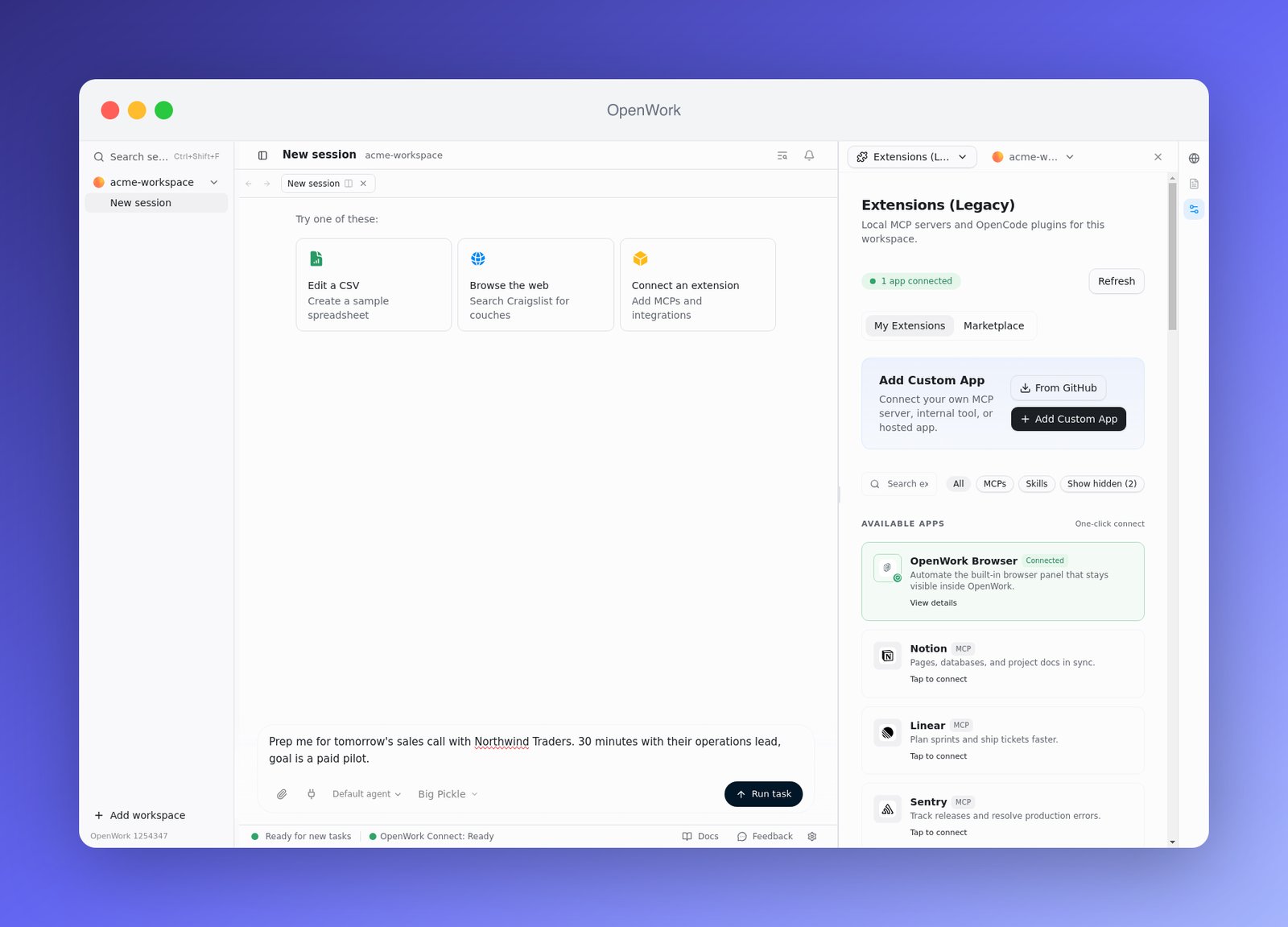
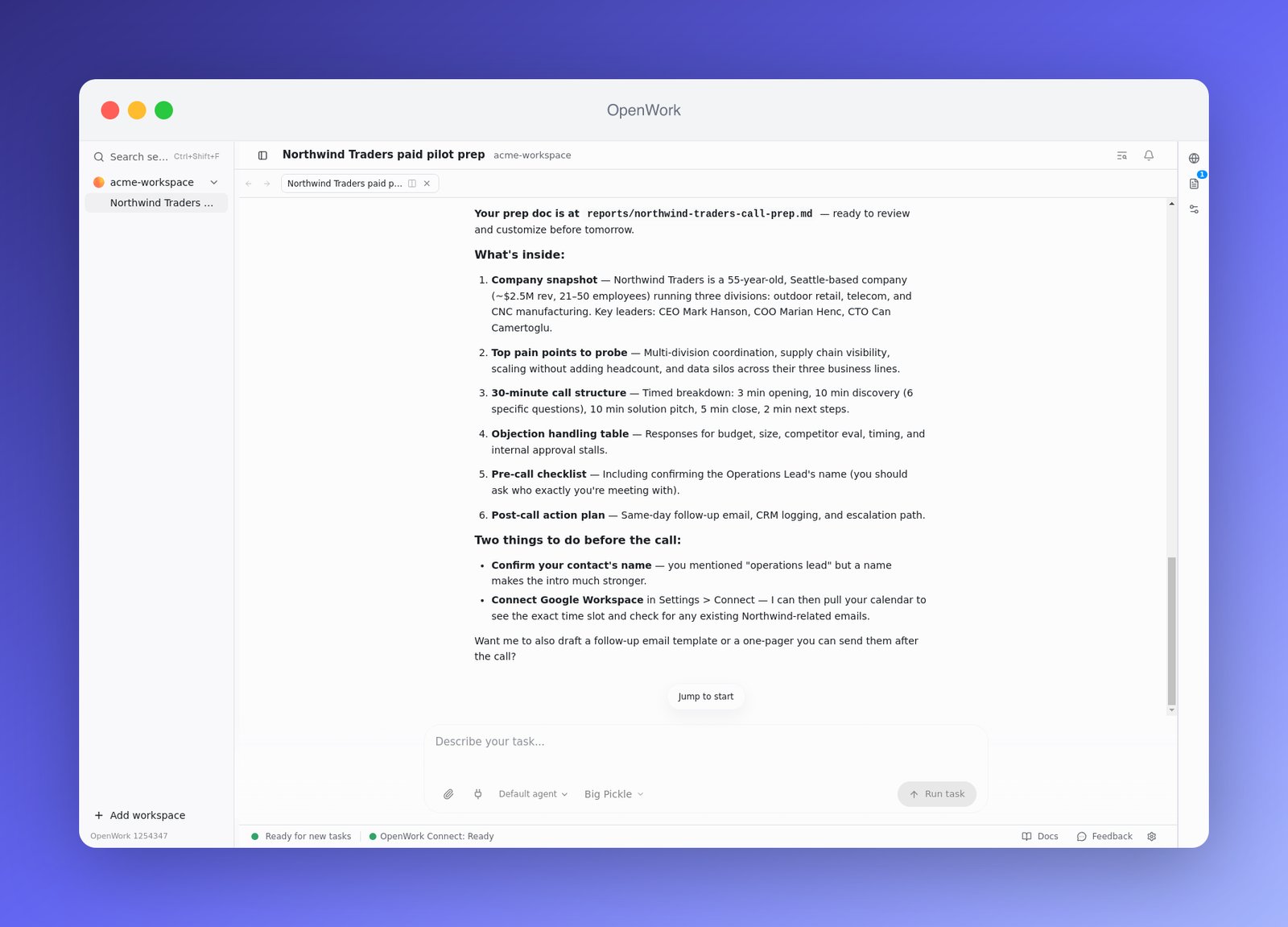
Now just ask for the thing the skill knows how to do. Type a prompt that matches the skill’s description and hit Run task:
Prep me for tomorrow’s sales call with Northwind Traders. 30 minutes with their operations lead, goal is a paid pilot.
What’s next
- Add more skills to the plugin as your team’s playbooks grow — everyone gets updates automatically.
- Import existing plugins from GitHub (open a Collection, click Add a plugin, then Import from GitHub), including Anthropic-compatible plugin repositories.
- Wire up Sources to keep Collections in sync with a repository.
- To share a single plugin without a Collection, open it under Manage › Plugins and use Who can use it. See Publish and copy a skill.
- Read Collections when you need several plugins, reusable audiences, or more complex assignments.
Need more? The first 5 seats are free; additional seats are $10 per seat per month. SSO is included in Team. For early analytics access, contact us.