

Local provider setup. This connects ChatGPT directly to the desktop app. OpenWork remains free, and you do not need to sign in to OpenWork Cloud. For model access managed by your organization, see Adding a managed LLM provider.
Before you start
- You need a paid ChatGPT plan, such as Plus or Pro.
- Use the email address that holds that subscription when you sign in.
Connect ChatGPT
- Open Settings › AI Providers.
- Click Connect provider. The Connect providers dialog opens.
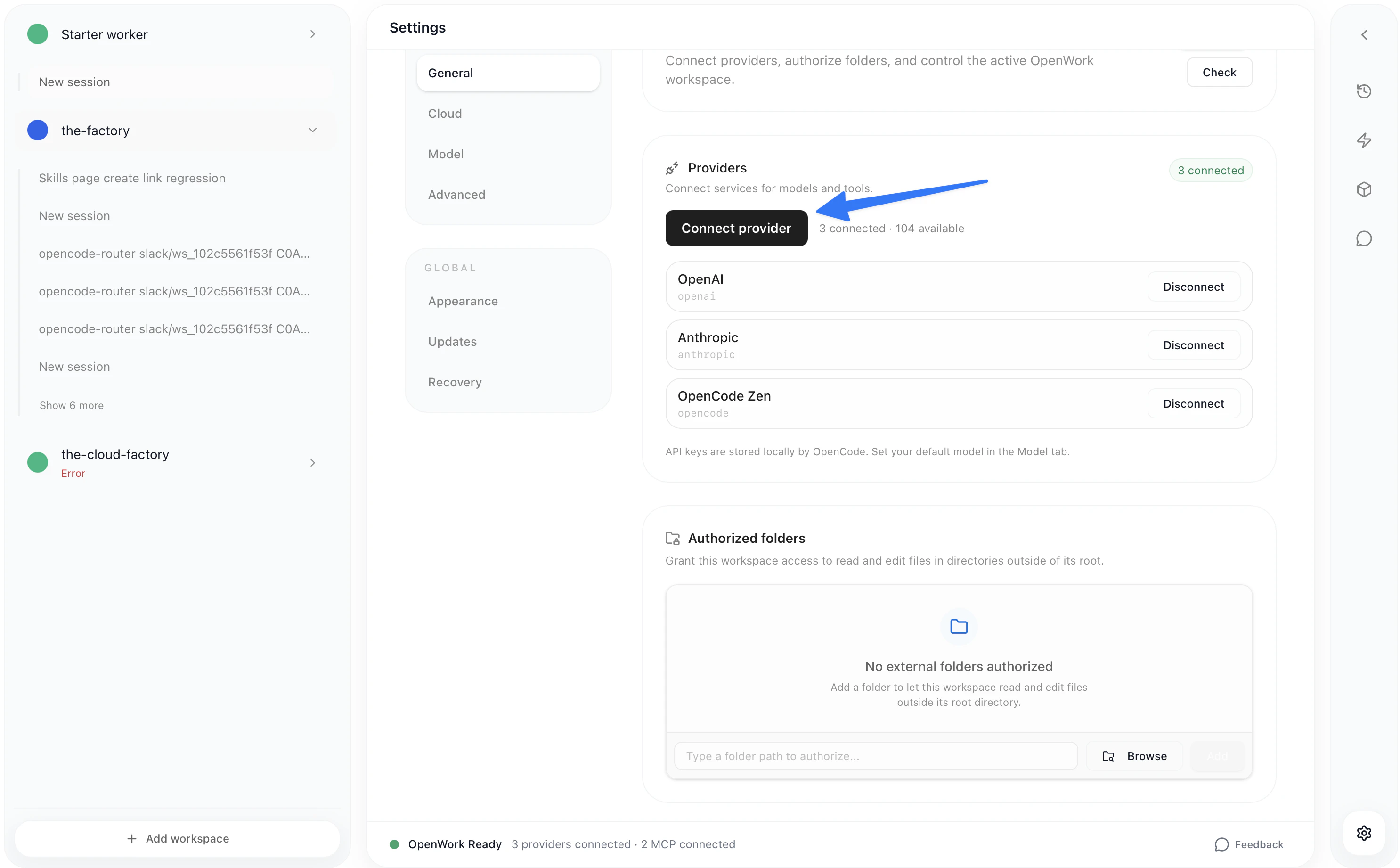
- Choose OpenAI. You see “Choose how you’d like to connect.”
- Choose the ChatGPT subscription option. It is named as in the provider list, for example ChatGPT Pro/Plus.
- A browser tab opens. Sign in to OpenAI with the email for your subscription.
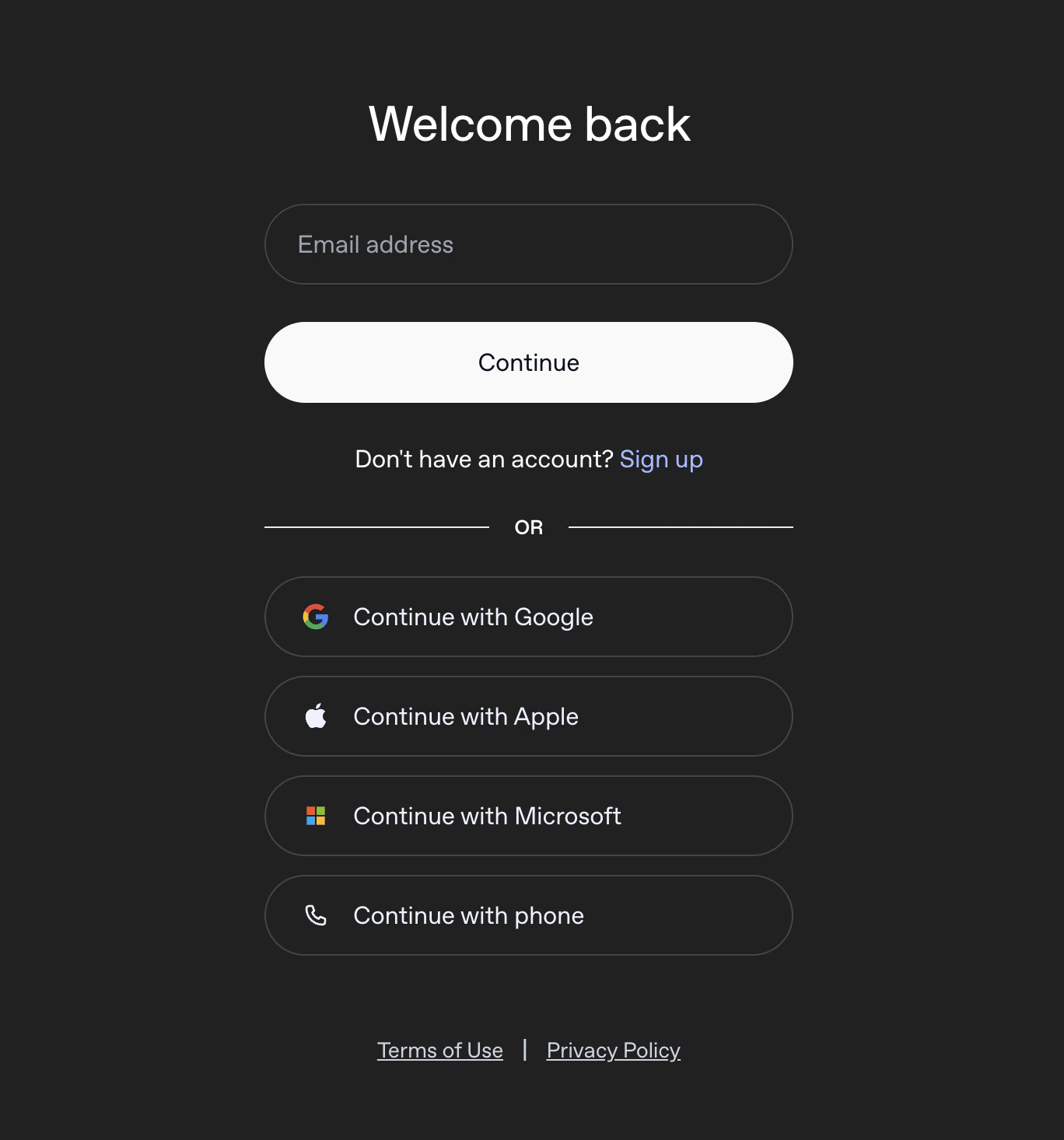
- Return to OpenWork. The dialog shows “Waiting for browser confirmation.” and closes by itself once OpenAI confirms the sign-in.
Pick a ChatGPT model
- In a chat, click the model name under the message box.
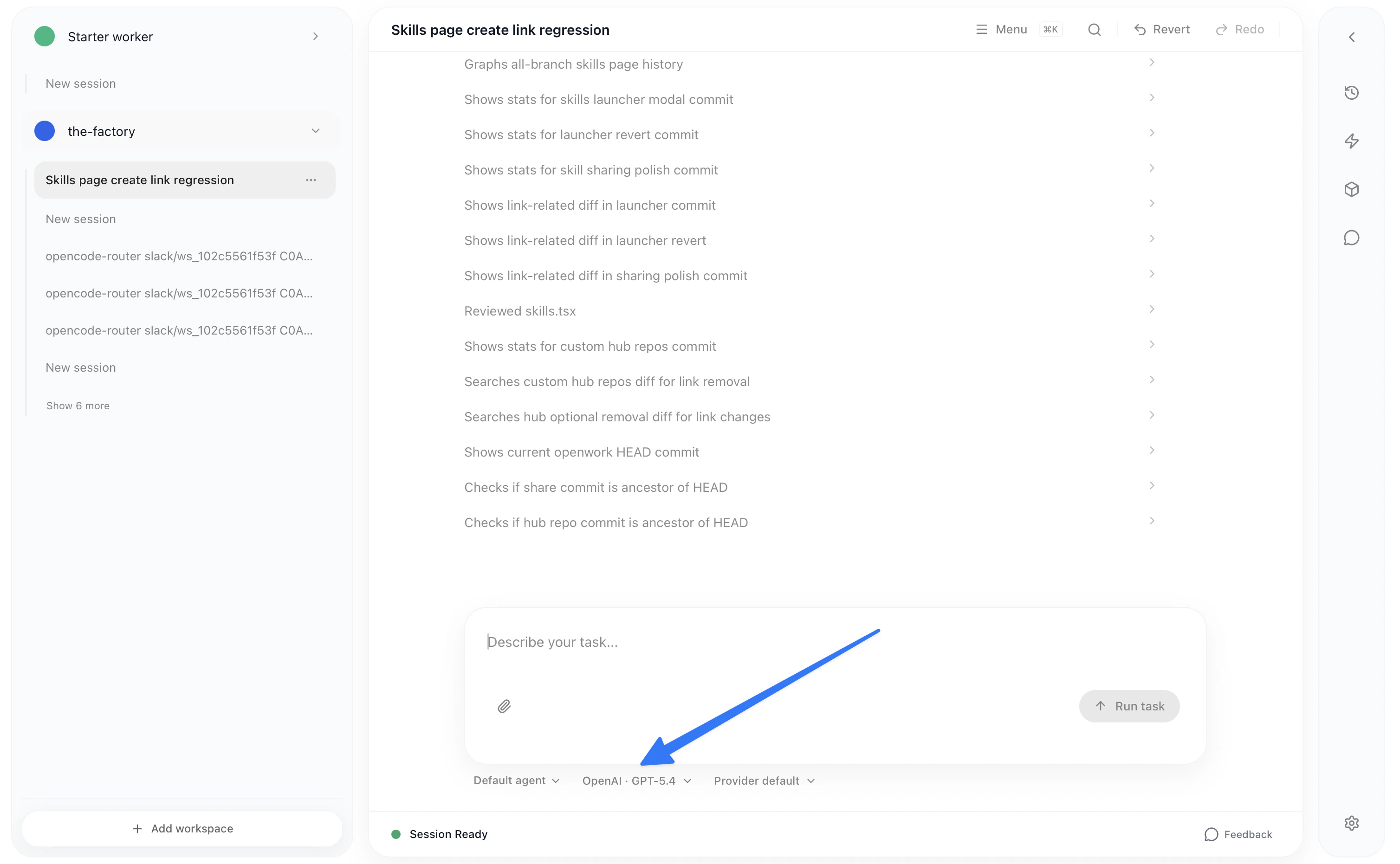
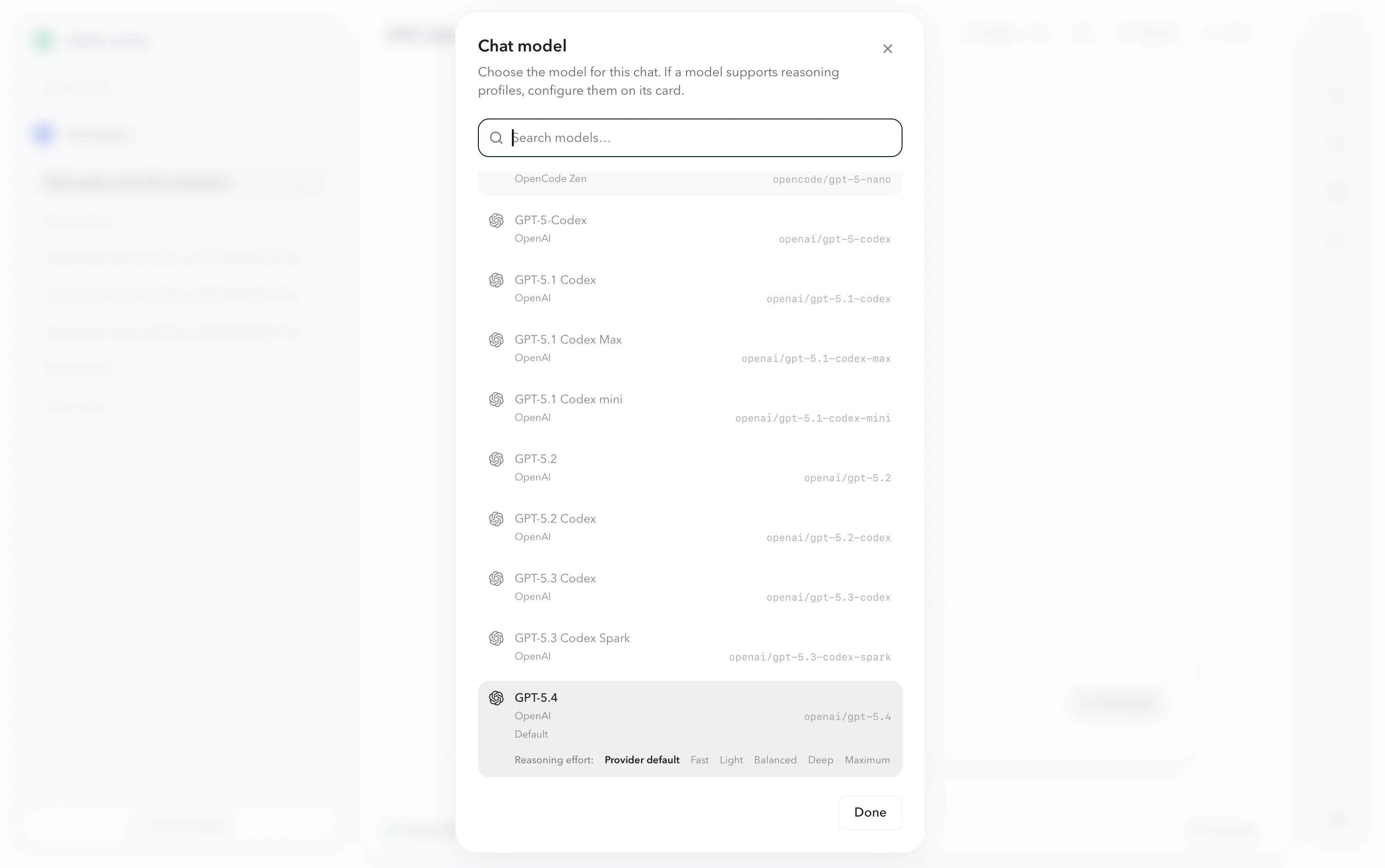
- Choose a ChatGPT model from the list. The list shows models from every provider you’ve connected.
Common issues
- No Connect provider button. Your organization may manage models for you. Ask your admin, or see Adding a managed LLM provider.
- Sign-in stopped working later. Reconnect under Settings › AI Providers › Connect provider › OpenAI.